Gravity Pay
The patient’s share is collected when the exam is booked, before the visit or at the visit.
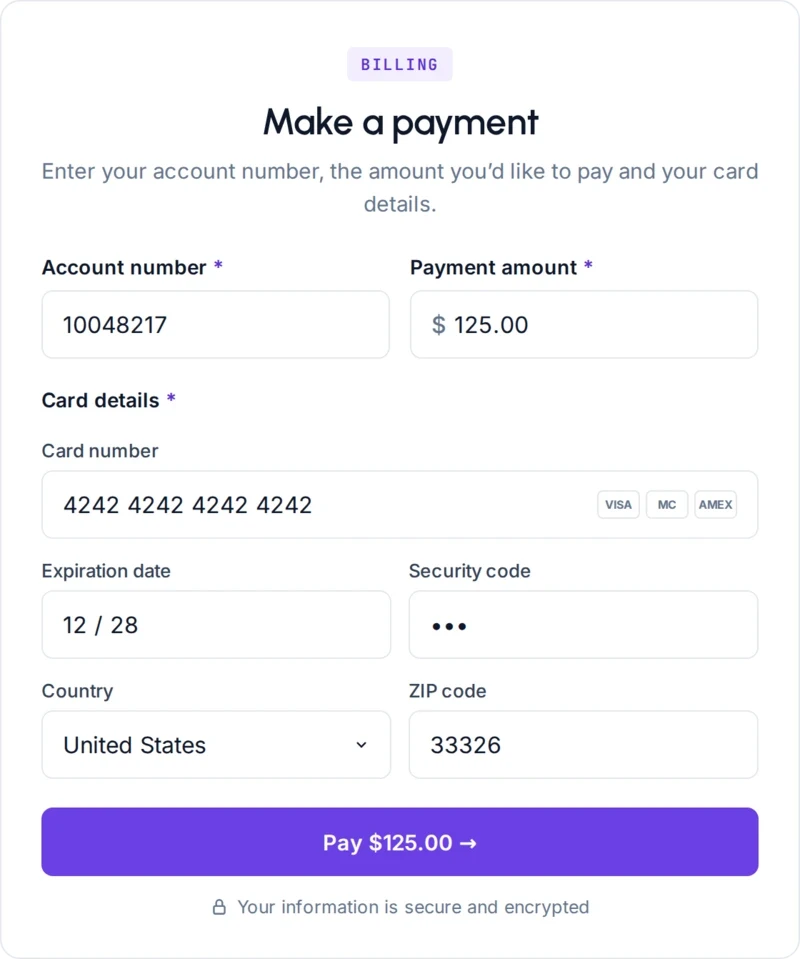
Patients pay before they arrive, from their phone, with no login.
Trusted by more than 460 imaging centers across the US.
Three moments to pay
Patient payments and point-of-service collections for imaging centers
Card payments go straight onto the order, with no separate terminal to reconcile.
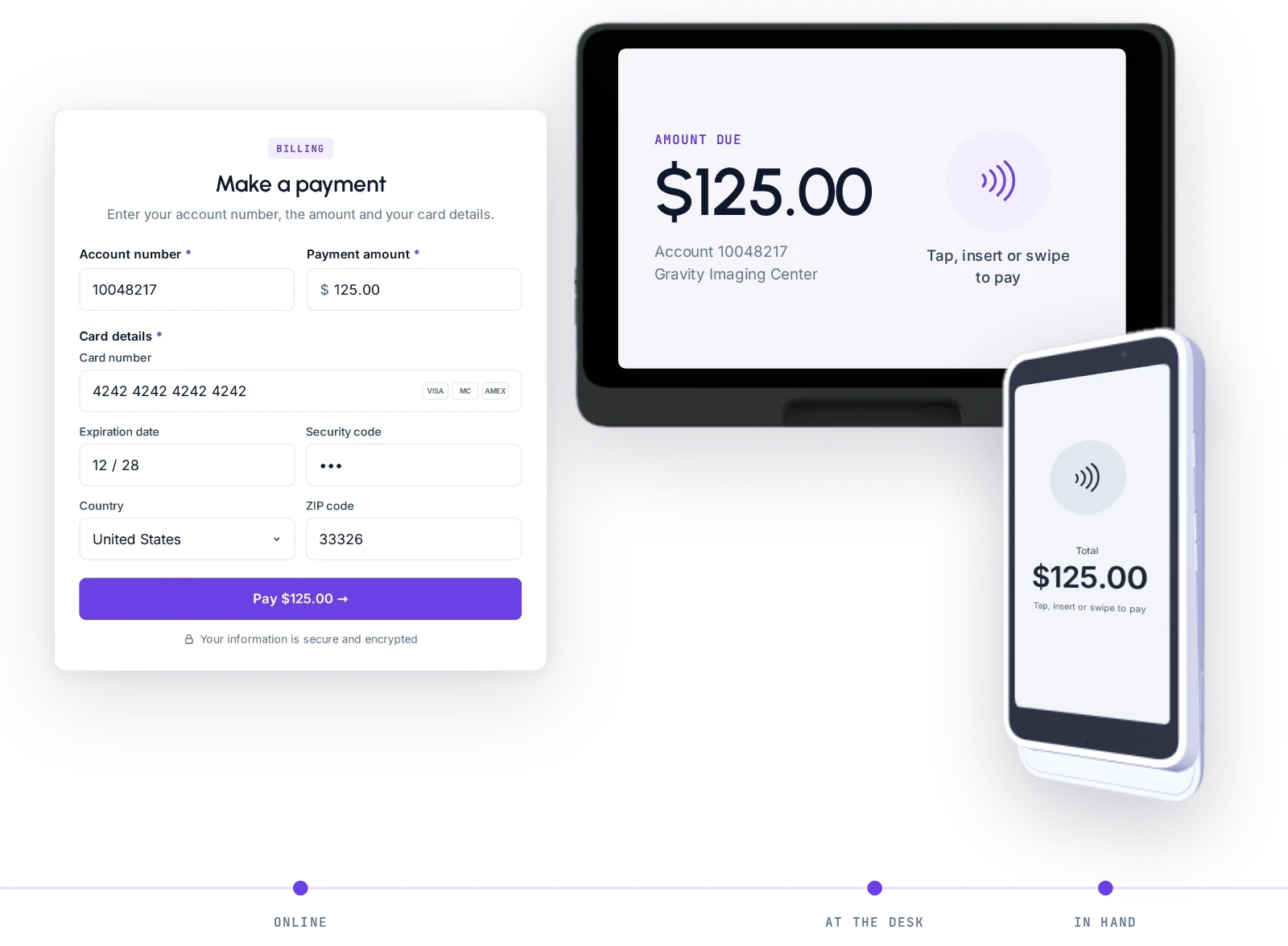
Point-of-service collection and card terminal
The patient’s share is collected at booking or at the visit, from the same screen as the estimate, with card payments straight onto the order.
Collects the patient’s share from the estimate at booking or at the front desk, by card, cash, check or a card reader at each location, with an automatic receipt.
Payment in Gravity Visit
Patients pay before they arrive, from their phone, with no login.
Patients pay their estimated share from the patient app during pre check-in or from the estimate link.
Patient account and statements
Each patient’s balance is always current, and a statement is one click away.
One running ledger per patient of charges, insurance payments, adjustments and payments, with printable statements and a reprint history.
Also on every payment
Payment methods
Admins choose which payment methods patients see at checkout, including cards, wallets and pay-later options.
Receipts and payment history
Every payment on the order with its method and reference, and its receipt.
In the Flow Store
Flows that bring the patient to pay
Each flow is one task your team did by hand, now run by Gravity. Install it from the Flow Store and it runs the same day.
Gravity does it
A flow, in its mode
The flows below: the estimate and the check-in link reach the patient on their own.
The patient does it
Through Gravity Visit
The patient pays from their phone, with no login. No mode: the patient acts, not Gravity.
Your team does it
Only the exceptions
What a flow can’t finish lands on a worklist in Gravity Work, with the history attached.
An event or a schedule starts it, and fixed rules do it. Nothing to decide, so nothing to review.
In the Flow Store, for this job
- Gravity Estimate
Patient estimates on their own
Once coverage is known, the estimate is created and sent to the patient’s phone on its own, with no one building it.
AutomatedStartsWhen coverage is known
Exceptions go toOrders worklist
- Gravity Visit
Pre check-in and document request links
Before the visit, patients are sent a link to check in and upload the documents the center needs, on its own, ahead of the appointment.
AutomatedStartsIn the check-in window before the visit
Exceptions go toPatients worklist
Works with
From the estimate to the payment
Coverage and authorization are fixed before the exam, not discovered after the claim.
Questions
Questions about patient payments
What is Gravity Pay?
Gravity Pay collects the patient’s share at three moments: when the exam is booked, before the visit from the patient’s own phone, and at the front desk or card terminal on the day. The amount comes from the estimate, and every payment lands on one running account per patient.
What happens to my team?
Gravity takes over the tasks, not the people. The routine work completes on its own, so your team can give patients the attention the paperwork used to take.
How do patients pay before they arrive?
From their phone, with no login. The patient opens the pre check-in or estimate link, reviews the estimate and pays. A patient who already paid another way can skip the payment and finish the other check-in steps.
Which payment methods can patients use?
Card, cash or check at the front desk, or a card reader at each location. Admins choose which payment methods patients see at checkout, including cards, wallets and pay-later options.
Can we print patient statements?
Yes. Each patient has one running ledger of charges, insurance payments, adjustments and payments. Statements are printable, and every issued statement stays in the account’s history for reprints.
How is our data protected?
Hosted on AWS in US regions only. A HIPAA Business Associate Agreement with every customer. Every sub-processor used in Gravity has a BAA with Alpha Nodus. Independently penetration-tested every year. Data encrypted at rest with per-tenant keys. MFA on every production login, SSO on Enterprise. Controls monitored continuously, with a public Trust Center.
Trust Center